
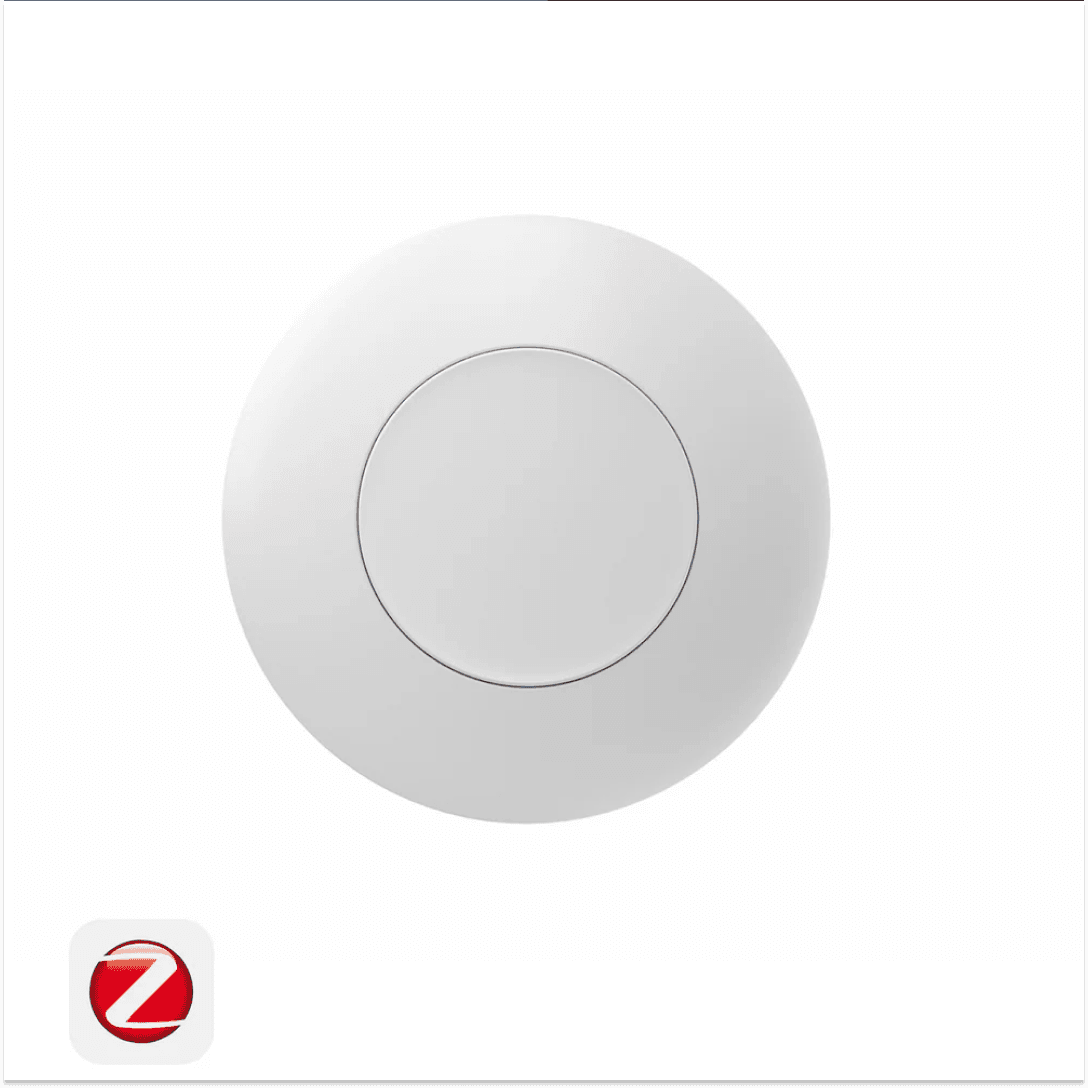
SONOFF SNZB-01P Zigbee Wireless Switch
Control your smart home with a single press, double press, or long press using a compact Zigbee 3.0 wireless button.
Quick Answer
The SONOFF SNZB-01P Zigbee Wireless Switch is a battery-powered Zigbee 3.0 smart button designed for users who want fast and flexible smart home control without wiring. The SONOFF SNZB-01P Zigbee Wireless Switch supports three programmable actions and can trigger automations, scenes, lights, and smart devices through compatible Zigbee hubs.
Key Takeaways
| Feature | Details |
|---|---|
| Main Benefit | Control multiple smart home actions from one button |
| Connectivity | Zigbee 3.0 (IEEE 802.15.4) |
| Battery | CR2477 |
| Battery Life | Up to 5 years (manufacturer claim) |
| Actions | Single Press, Double Press, Long Press |
| Installation | Wireless, battery-powered |
| Compatibility | SONOFF Zigbee Hubs, Zigbee2MQTT, Home Assistant, SmartThings and other Zigbee 3.0 ecosystems |
| Dimensions | 45 × 45 × 17.7 mm |
| Operating Temperature | -10°C to 60°C |
| Availability | In Stock |
Battery life claim provided by SONOFF internal testing.
Why Choose the SONOFF SNZB-01P Zigbee Wireless Switch?
The SONOFF SNZB-01P Zigbee Wireless Switch gives you instant control over your smart home without installing wall switches or running cables. Whether you want to trigger a bedtime routine, turn off all lights before leaving home, or activate an emergency alert, the SONOFF Zigbee Wireless Switch makes it possible with a simple button press.
Unlike traditional smart switches, the Zigbee Wireless Switch is completely portable. Place it on a wall, desk, bedside table, refrigerator, or carry it in your pocket for convenient access anywhere in your home.
Key Benefits
- Control multiple devices using one button
- Three customizable actions for different automations
- Up to 5 years battery life using a CR2477 battery
- Compact wireless design with no wiring required
- Compatible with Zigbee 3.0 ecosystems
- Ideal for Home Assistant and Zigbee2MQTT users
Features
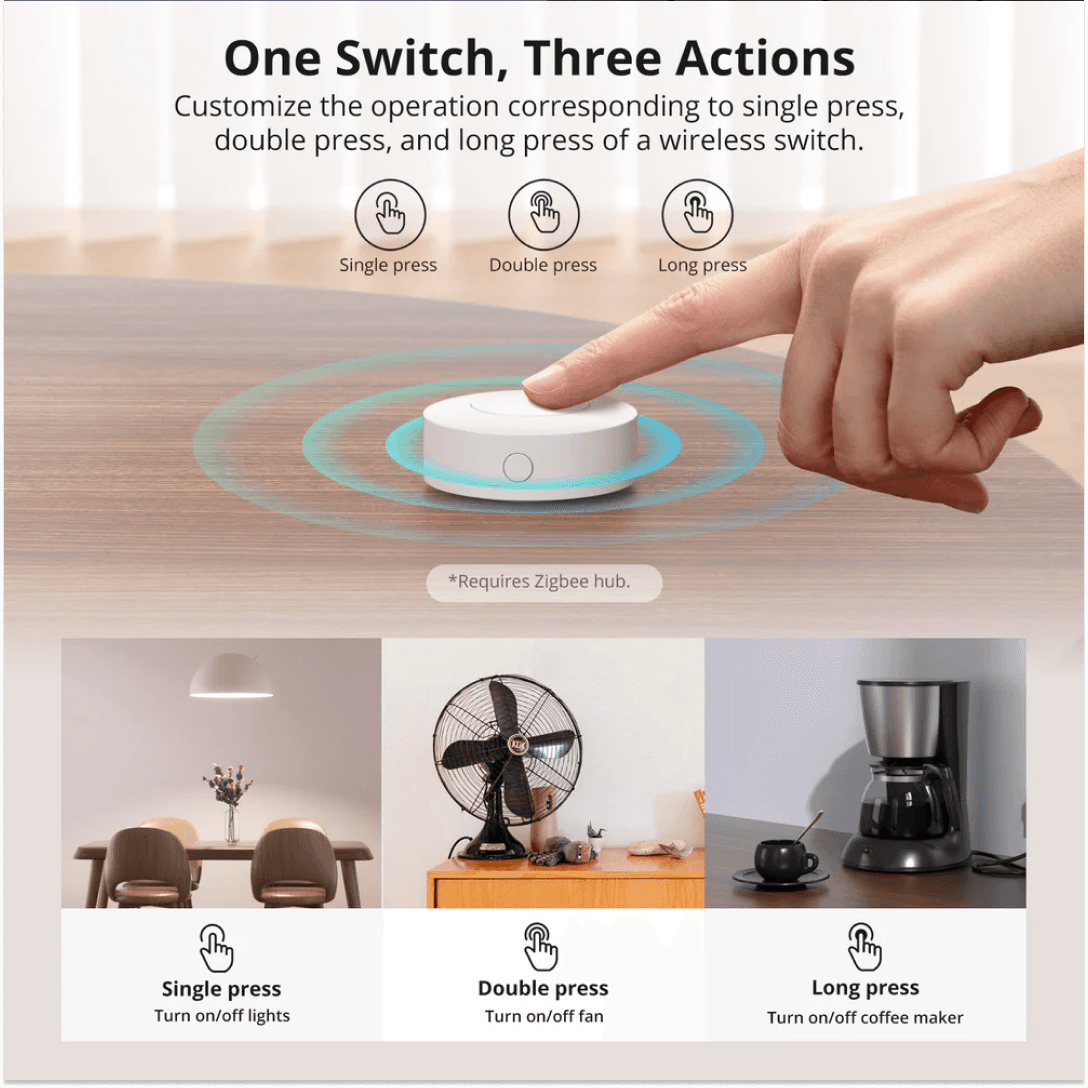
Three Programmable Actions
The SONOFF Switch supports:
- Single Press
- Double Press
- Long Press
Each action can trigger a different automation, scene, or smart device.
Long Battery Life
The Zigbee Wireless Switch uses a CR2477 battery and offers up to 5 years of battery life under typical usage conditions according to SONOFF testing.
Easy Pairing
An external pairing button allows quick Zigbee pairing without opening the device.
Portable Placement
Use the SONOFF Zigbee Wireless Switch as:
- A wall-mounted smart switch
- A bedside scene controller
- A smart doorbell trigger
- An emergency assistance button
- A portable automation remote
Common Use Cases
Smart Lighting Control
Assign:
- Single Press → Living room lights ON
- Double Press → Living room lights OFF
- Long Press → Turn off all lights
Bedtime Scene
One press can:
- Turn off lights
- Lock smart locks
- Arm security systems
- Lower blinds
Emergency Alert Button
Family members can trigger notifications and emergency scenes when assistance is required.
Smart Doorbell
When paired with compatible controllers such as NSPanel Pro, the device can function as a wireless doorbell trigger.
Technical Specifications
| Specification | Value |
|---|---|
| Model | SNZB-01P |
| Wireless Protocol | Zigbee 3.0 (IEEE 802.15.4) |
| MCU | EFR32MG22 |
| Power Supply | 3V Battery |
| Battery Type | CR2477 |
| Product Dimensions | 45 × 45 × 17.7 mm |
| Net Weight | 27.7 g |
| Material | PC |
| Operating Temperature | -10°C to 60°C |
| Indoor Use | Yes |
| Color | White |
What's Included?
- SONOFF SNZB-01P Zigbee Wireless Switch
- CR2477 Battery
- Mounting Accessories
- User Manual
How Do I Set Up the SONOFF SNZB-01P Zigbee Wireless Switch?
Step 1
Put your Zigbee hub into pairing mode.
Step 2
Press and hold the pairing button on the SONOFF SNZB-01P Switch for approximately 5 seconds.
Step 3
Assign automations, scenes, or actions within your Zigbee platform.
Compatibility
| Platform | Compatible |
|---|---|
| SONOFF ZB Bridge Pro | Yes |
| SONOFF NSPanel Pro | Yes |
| Home Assistant | Yes |
| Zigbee2MQTT | Yes |
| SmartThings | Yes |
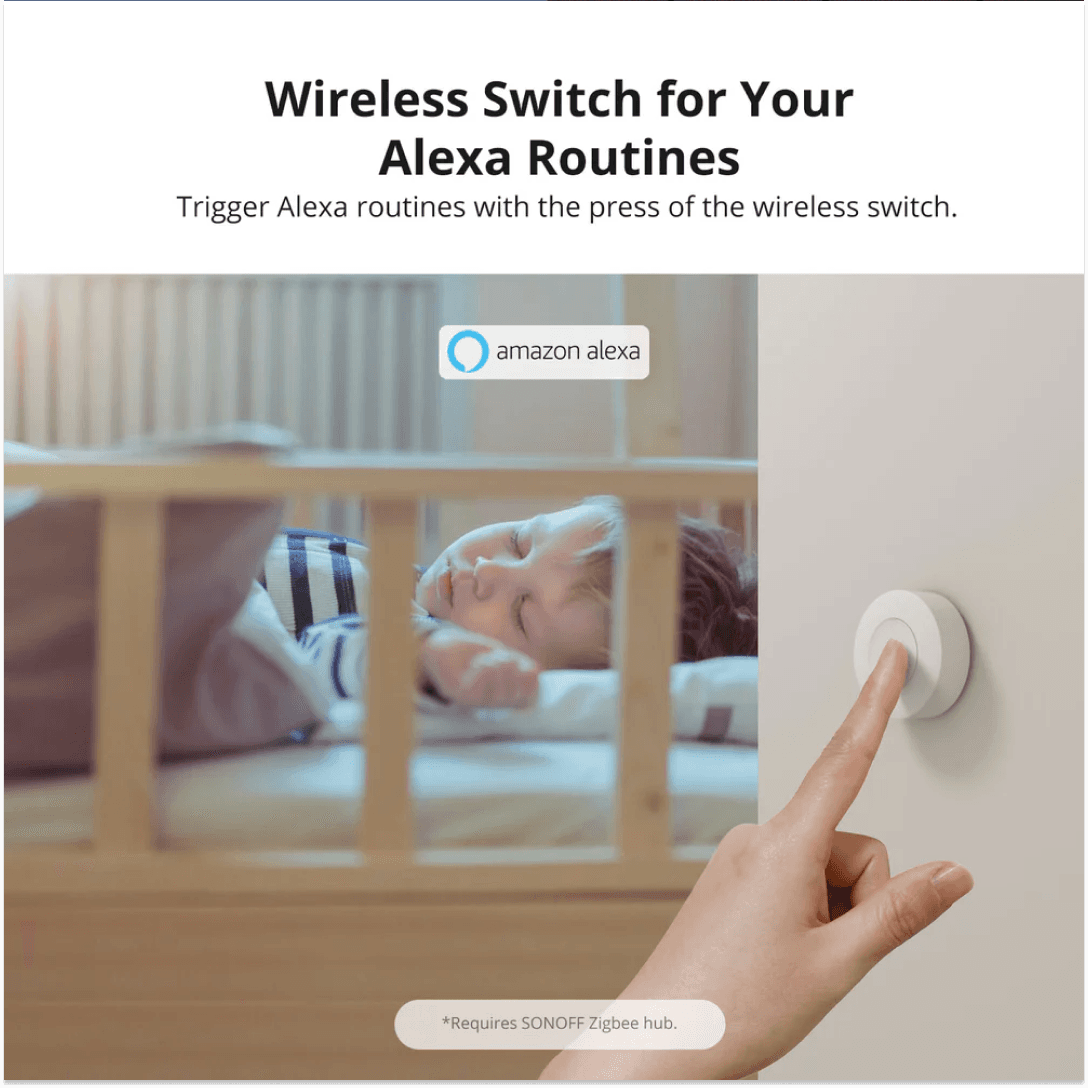
| Alexa Routines | Yes (via compatible Zigbee hub) |
| Zigbee 3.0 Hubs | Yes |
Compatibility depends on hub firmware and Zigbee implementation. Always verify compatibility before purchase.
FAQs
What Is SONOFF SNZB-01P Zigbee Wireless Switch?
The device is a Zigbee 3.0 wireless smart button designed to trigger automations, scenes, and device actions through compatible Zigbee hubs. The Zigbee Wireless Switch supports three programmable button actions and operates using a CR2477 battery.
Who Should Buy SONOFF SNZB-01P Zigbee Wireless Switch?
The SONOFF Switch is ideal for Home Assistant users, Zigbee2MQTT users, SmartThings users, and anyone who wants quick access to smart home automations without installing wired switches.
How Does SONOFF SNZB-01P Zigbee Wireless Switch Work?
The Zigbee Switch communicates using Zigbee 3.0 and sends button press events to a Zigbee hub. Those events can trigger automations, scenes, or device actions configured in your smart home platform.
What's Included With SONOFF SNZB-01P Zigbee Wireless Switch?
The Zigbee Wireless Switch package includes the wireless switch, battery, mounting accessories, and user documentation. Verify packaging contents before publication.
Is SONOFF SNZB-01P Zigbee Wireless Switch Compatible With Home Assistant?
Yes. The Wireless Switch is compatible with Home Assistant through Zigbee2MQTT and compatible Zigbee coordinators.
How Do I Set Up SONOFF SNZB-01P Zigbee Wireless Switch?
To set up the SONOFF Zigbee Wireless Switch, place your Zigbee hub into pairing mode, hold the pairing button for approximately 5 seconds, then assign automations within your smart home platform.
What Are the SONOFF SNZB-01P Zigbee Wireless Switch Specifications?
The Zigbee Wireless Switch features Zigbee 3.0 connectivity, an EFR32MG22 chipset, CR2477 battery, dimensions of 45 × 45 × 17.7 mm, and an operating temperature range of -10°C to 60°C.
What Is the Warranty on SONOFF SNZB-01P Zigbee Wireless Switch?
Warranty coverage varies by retailer and region. Check the seller's warranty policy before purchasing the Zigbee Wireless Switch.
No reviews yet
Be the first to review this product!