
Philips Hue Bridge
What is Philips Hue Bridge?
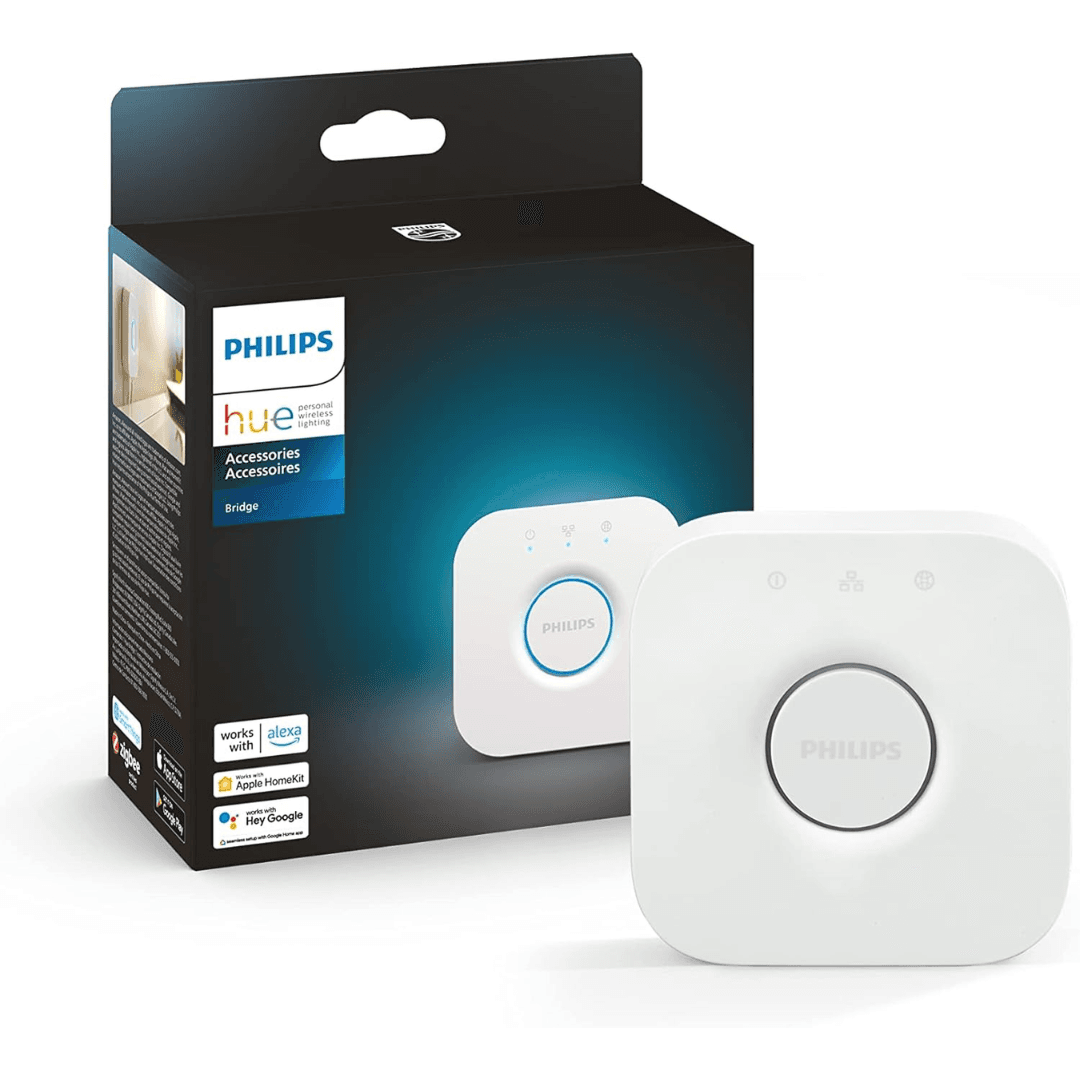
Philips Hue Bridge is the central hub that connects Philips Hue smart lights and accessories to your home network. This uses Zigbee Light Link technology to control and automate compatible Philips Hue devices. It allows users to manage lighting through the Philips Hue app, voice assistants, and smart home integrations.
Key Benefits
- Connect and control Philips Hue smart lights from a single hub.
- Supports Zigbee connectivity for reliable smart lighting communication.
- Enables remote control and automation through the Philips Hue app.
- Compatible with popular voice assistants and smart home platforms.
Why Use Philips Hue Bridge?
This is the core device required to unlock the full capabilities of the Philips Hue smart lighting system. It connects your Hue lights, sensors, and accessories to your home network and allows centralized control through the Philips Hue app.
Using Zigbee wireless communication, It creates a stable and reliable network for Philips Hue lights and accessories. This ensures consistent performance for lighting automation and smart home integration.
Also enables advanced smart lighting features such as routines, scenes, remote access, and voice assistant integration, making it the foundation of the Philips Hue ecosystem.
Technical Specifications
|
Specification |
Details |
|---|---|
|
Product Name |
Philips Hue Bridge |
|
Device Type |
Smart lighting hub |
|
Wireless Protocol |
Zigbee Light Link |
|
Connectivity |
Ethernet (LAN) |
|
Power Supply |
Included power adapter |
|
Control Method |
Philips Hue app |
|
Maximum Devices |
Up to 50 Philips Hue lights |
|
Compatibility |
Philips Hue lights and accessories |
Compatibility
This works with the following platforms and devices:
-
Philips Hue smart lights
-
Philips Hue sensors and accessories
-
Philips Hue smart switches and controls
This also can integrate with smart home platforms including:
-
Amazon Alexa
-
Google Assistant
-
Apple HomeKit
How to Set Up Philips Hue Bridge
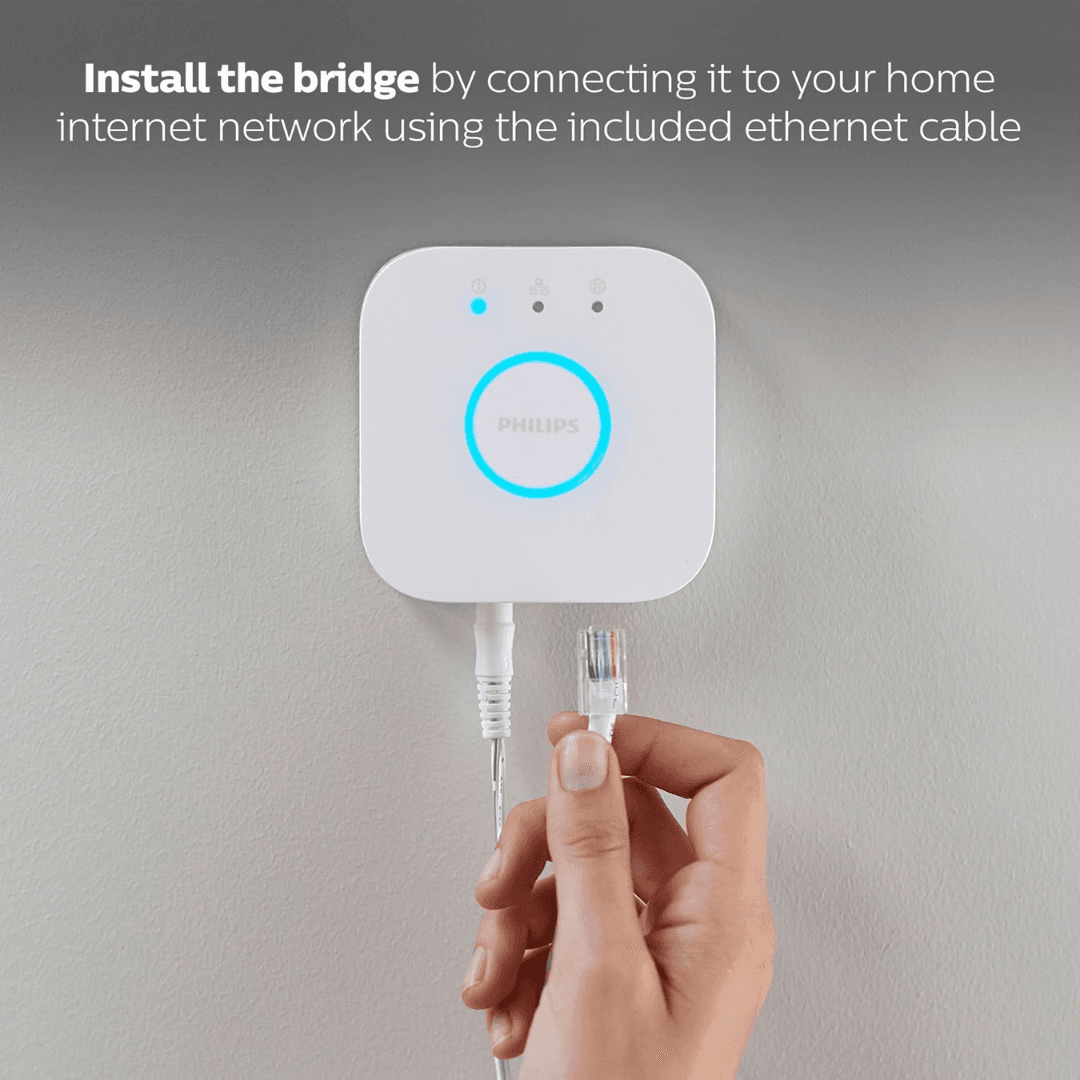
- Connect the Philips Hue Bridge to your home router using the Ethernet cable.
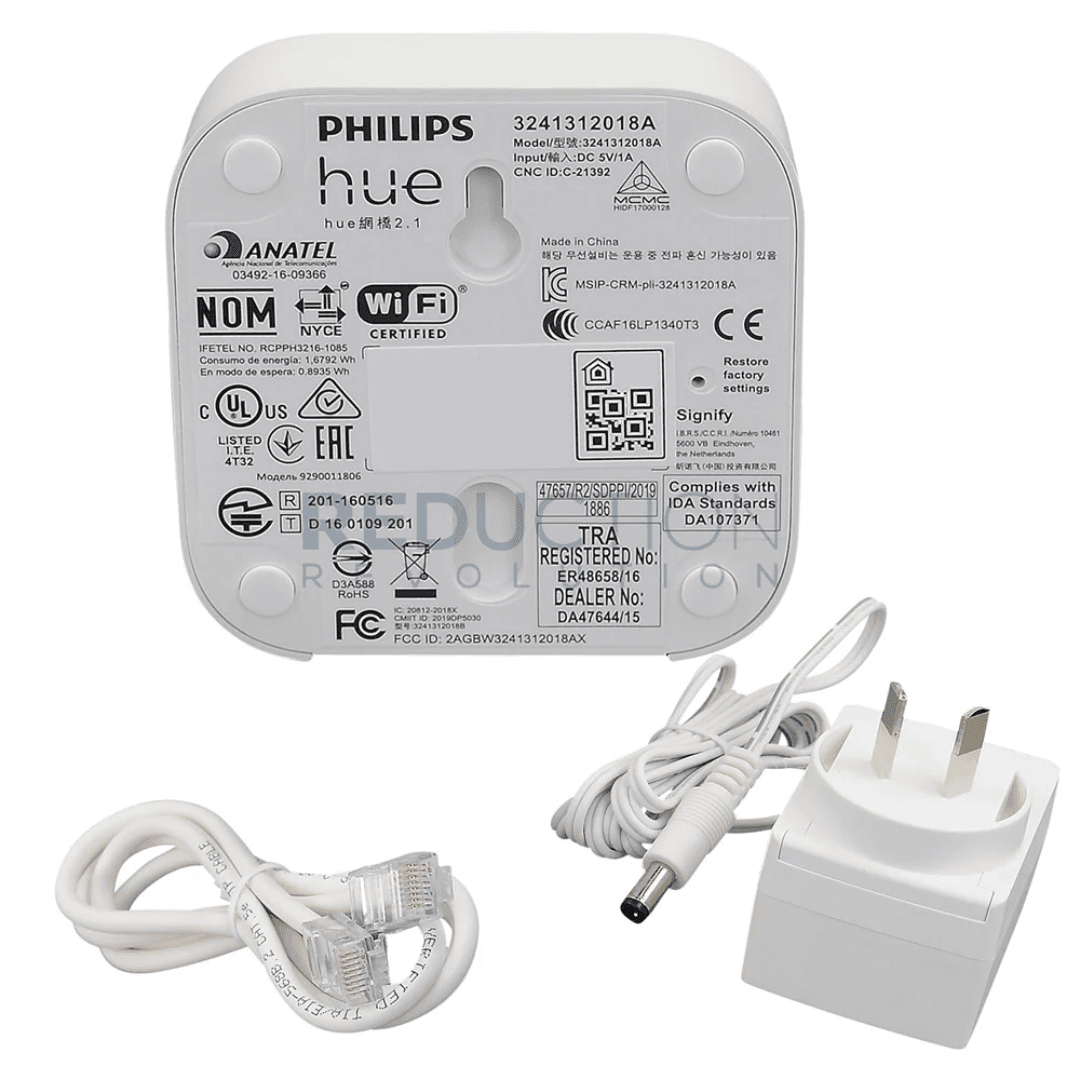
- Power on the bridge using the included power adapter.
- Open the Philips Hue app and follow the instructions to add your Hue lights and accessories.
FAQs
What is Philips Hue Bridge?
Asmart lighting hub that connects Philips Hue lights and accessories to your home network for centralized control.
Does It require internet?
Philips Hue Bridge connects to your router using Ethernet. Internet access is required for remote control and certain smart home integrations.
How many lights can Philips Hue Bridge support?
It can support up to 50 Philips Hue lights and accessories within the same system.
Why Buy Philips Hue Bridge?
- Central hub for the Philips Hue smart lighting system.
- Reliable Zigbee connectivity for smart lighting control.
- Supports automation, scenes, and smart home integration.
- Essential device for managing a complete Philips Hue setup.
No reviews yet
Be the first to review this product!